Navigate to User Settings > Data & Privacy
In Discord, click User Settings (gear icon next to your avatar), select Data & Privacy from the sidebar, and scroll down to Request my data.
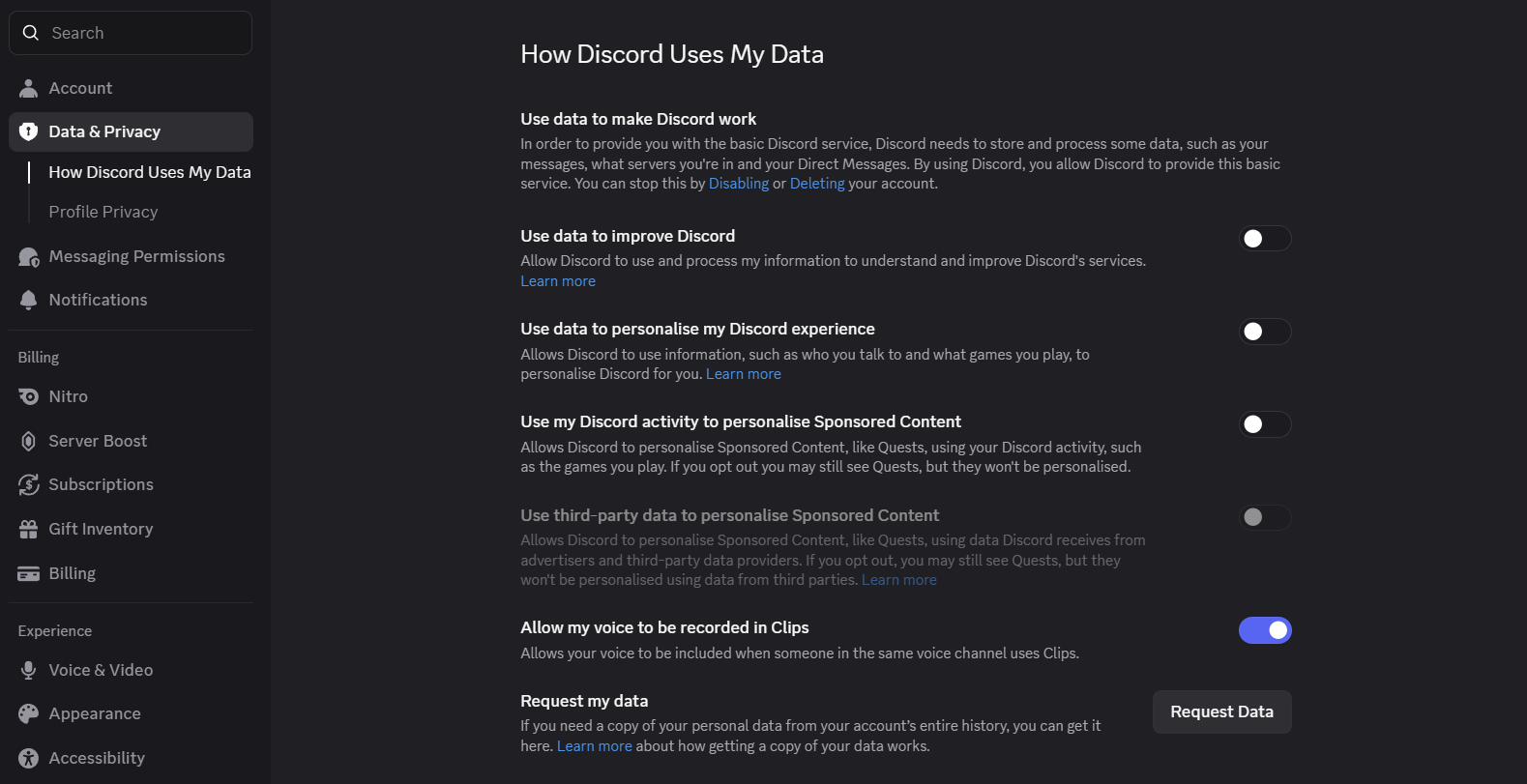
Select "Messages" Only for Faster Delivery
Click Request Data. In the dialog, check Messages and uncheck everything else (Account, Activity, Ads, Servers, Support Tickets).
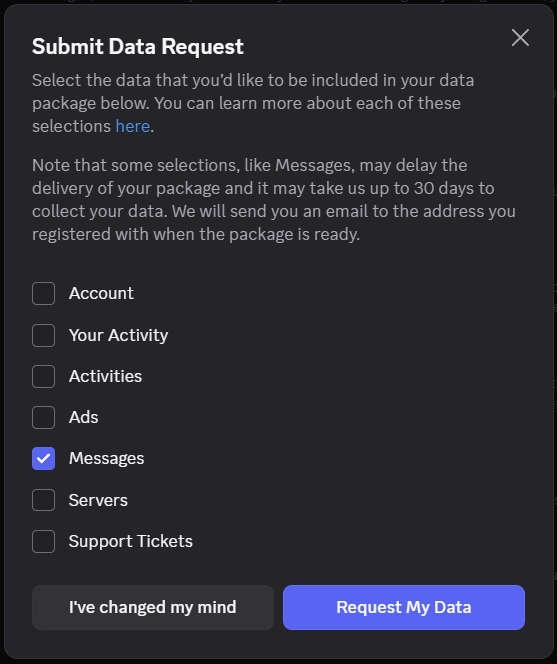
Confirm & Download the Archive
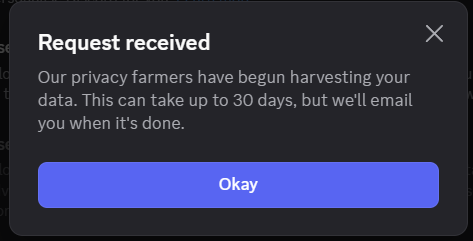
Submit your request. When Discord finishes packaging your messages, they will email you a download link for package.zip.
Automatic Subfolder Organization
When you extract, every attachment is sorted into subfolders by extension (/png, /jpg, /mp4, /pdf) inside /disdump-download and named chronologically.
Run 100% Offline with Local GPU AI Indexing
For complete privacy, run both the viewer and the AI indexer directly on your machine without uploading anything:
# 1. Clone the repository
git clone https://github.com/your-username/disdump.git
cd disdump
# 2. Host the frontend locally with Python
python -m http.server 8000
# 3. (Optional) Run the local Qwen2.5-VL AI OCR indexer on your GPU
pip install -r requirements.txt
python qwen-rtx.py